Spotting the red flag early
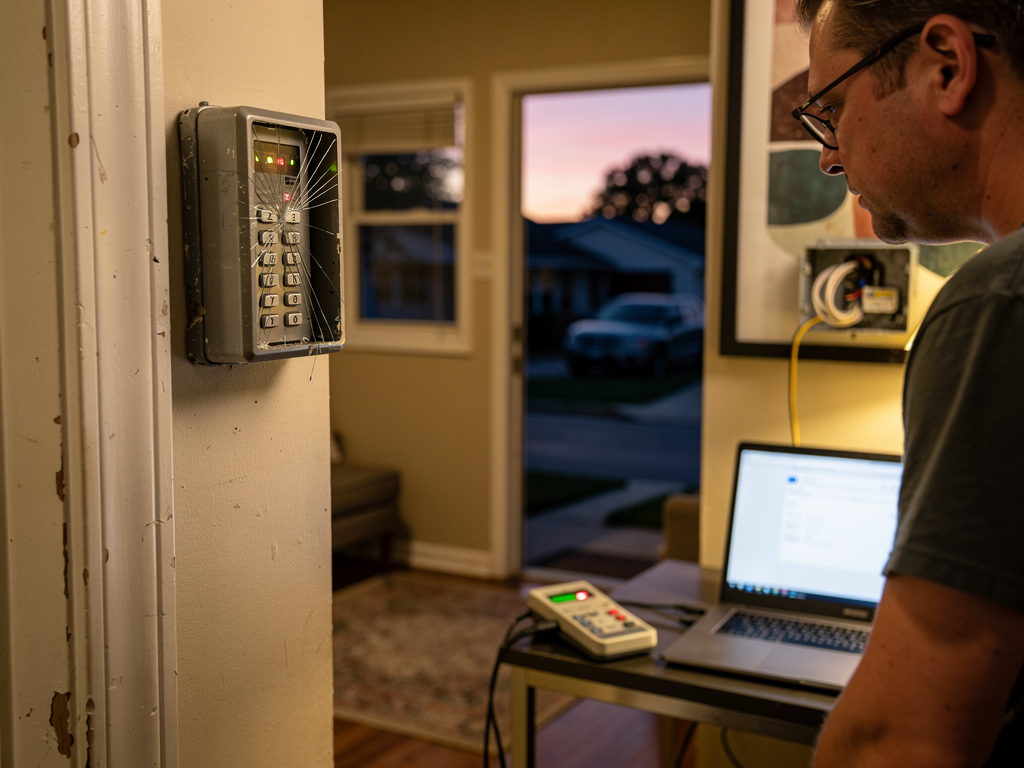
Across the United States, homeowners notice small glitches long before a breach. A door sensor that chirps without being touched, a keypad that shows errors, or cameras that momentarily lose connection can all indicate underlying issues. These problems aren’t proof of a break in, but they are signals that the system needs a closer look. Owen Security Usa thinks in practical terms: what would a technician examine first, and what should a homeowner do next?
Start with consistency. If a sensor reports activity at odd times or if motion detectors fire without reason, write down when it happens and what you were doing. A pattern matters more than a single incident. Consistency helps a technician pinpoint whether the issue is a hardware fault, a wiring concern, or a user setting that needs correction.
Common culprits and quick checks
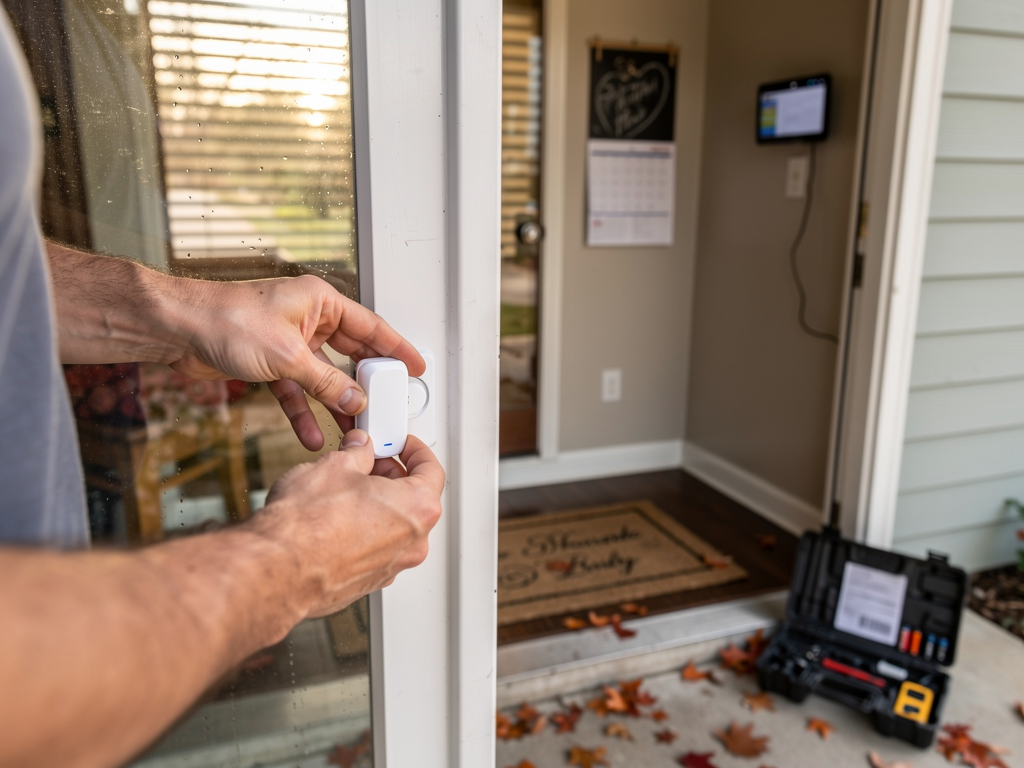
Battery health often causes false alarms. A detector with low power may send weak signals or skip brief events. Swap in fresh batteries if devices are near the end of their expected life. Loose wiring can also trigger sporadic alerts; gently reseating connections at the panel or sensors can resolve it. Check the panel for firmware updates as well, since software glitches can mimic hardware faults.
Interference from electronics or environmental factors can affect sensor performance. Placing cameras too close to lighting fixtures can create glare that looks like motion. Aluminum siding or metal objects near glass can cause reflections that trip a sensor. In many cases a simple repositioning or shielding of the device fixes the issue.
When to call a professional
If the issue persists after basic checks, it’s time to bring in a technician. Owen Security Usa offers a professional assessment across the United States with local crews wherever you are. A technician will test each device, verify the configuration, and confirm the integrity of cabling and power supplies. We’ll review your user settings, disable any overlap that could cause false alarms, and replace any failing hardware if needed.
Prepare for the visit by noting the exact symptoms, the times they occur, and any recent changes to the home network or devices. Have a clear sense of which zones are affected and whether the problem is isolated to one sensor or affects multiple points. A concise report helps the technician diagnose faster and reduces the time you’re without reliable protection.
Practical takeaways
Keep detectors powered with fresh batteries; schedule a yearly check of sensors and cameras; ensure the control panel is connected to a stable power source and a reliable internet connection. If you notice repeated false alarms, document them and call a pro for a targeted service call. Across the country, a sound home security setup relies on regular maintenance and timely professional support when needed.